Cybersecurity & Managed IT
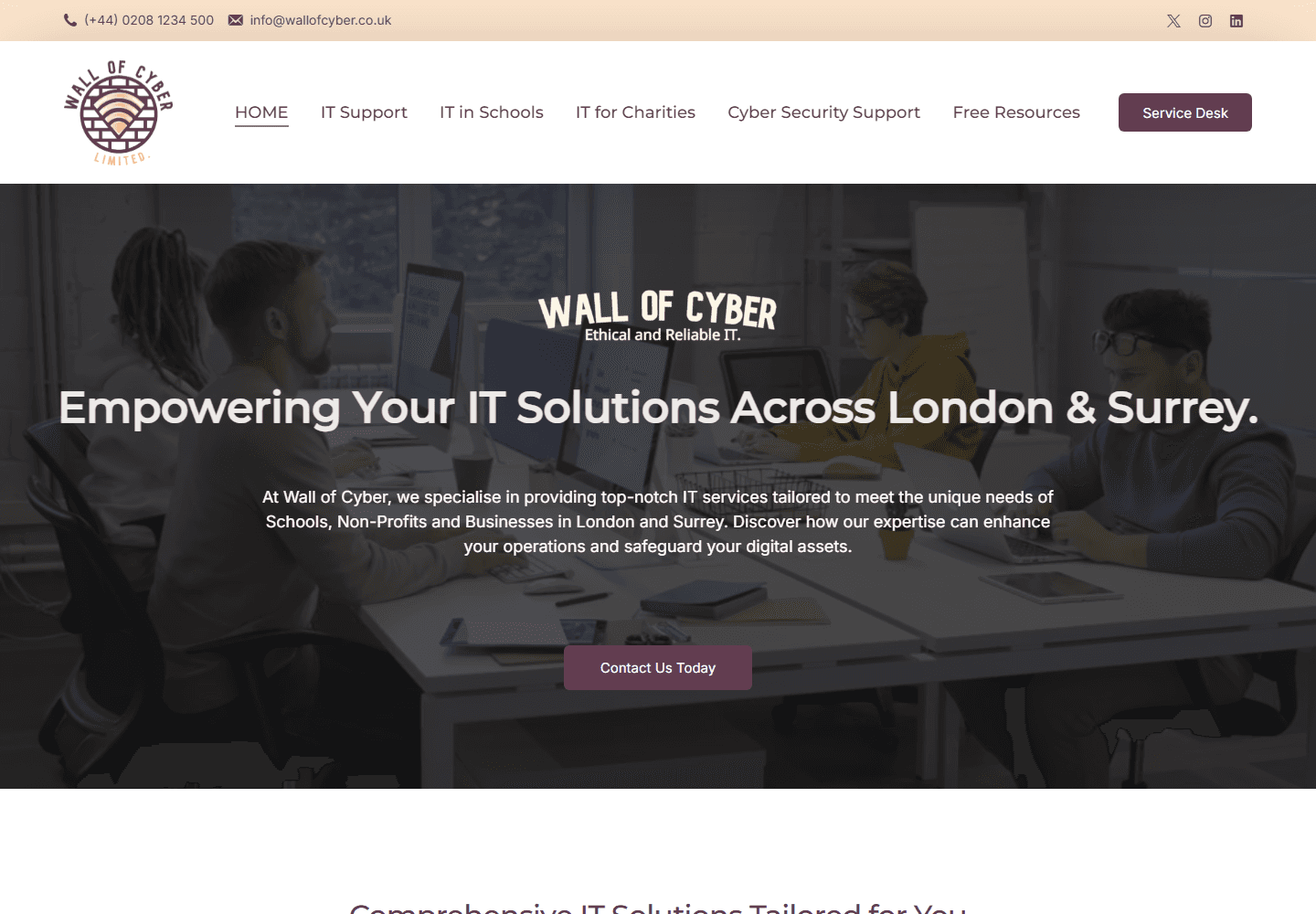
Wall of Cyber — Ethical IT & Cyber Defence
B2B cybersecurity web platform showcasing ethical IT management, vulnerability assessments, and threat mitigation services.
WCAG 2.2 testing and Equality Act 2010 compliance
Around one in five people in the UK has a disability, and a website that does not work with a screen reader, a keyboard, or high-contrast settings shuts them out. The Equality Act 2010 requires businesses to make reasonable adjustments, and public sector bodies have a legal duty to meet WCAG 2.2 AA. WebElev8 audits your website against the standard, tells you in plain English what is failing and why it matters, and gives your team a fix list they can actually work through.
Clear reasons to choose this work, based on what your business needs.
We check your site against the Web Content Accessibility Guidelines version 2.2 at Level AA, the standard UK law and procurement rules point to.
Automated tools catch about a third of issues. We also test with a screen reader, keyboard-only navigation, and browser zoom to find the rest.
Every issue is explained in terms of who it affects and what to do about it, not just a WCAG reference number. Your developers get code-level detail as well.
Findings are ranked by severity and by how many users each one affects, so you fix the things that lock people out first.
We can draft the accessibility statement your site needs, covering what is compliant, what is not yet, and how someone can report a problem.
Once your team has worked through the fix list, we retest the affected areas and confirm what now passes.
The exact scope is agreed in your written quote before work starts.
A full crawl with industry tools flags missing alternative text, form labels, heading structure problems, and colour contrast failures across every template.
We navigate key journeys with a screen reader to check that content is announced in a sensible order and that buttons, links, and form fields make sense out of context.
Every interactive element is tested without a mouse: visible focus, logical tab order, no keyboard traps, and working skip links.
Text, buttons, form borders, and focus indicators are checked against the 4.5 to 1 and 3 to 1 contrast ratios the standard requires.
We check that fields are labelled, that errors are described in text and linked to the right field, and that nothing relies on colour alone.
Video captions, audio transcripts, and the accessibility of any linked PDFs are reviewed, as these are common gaps.
The site is checked at 200 and 400 percent zoom and on small screens to confirm content reflows without loss of function.
We prepare a statement that lists compliance status, known issues, planned fixes, and a contact route, matching the format UK guidance expects.
You see what is happening, what comes next and what needs your approval.
We agree which templates and user journeys to test, for example the home page, a service page, the contact form, and the checkout, so the audit covers what matters most.
We run automated scans and manual testing with assistive technology, recording each issue with a screenshot or recording, the WCAG criterion, and the user impact.
You receive the report and a walkthrough call. We explain the severe issues first, answer questions, and make sure your team knows how to approach the fix list.
After your team has made changes, we retest the affected areas and update the report so you have an accurate record of your current compliance level.
B2B cybersecurity web platform showcasing ethical IT management, vulnerability assessments, and threat mitigation services.
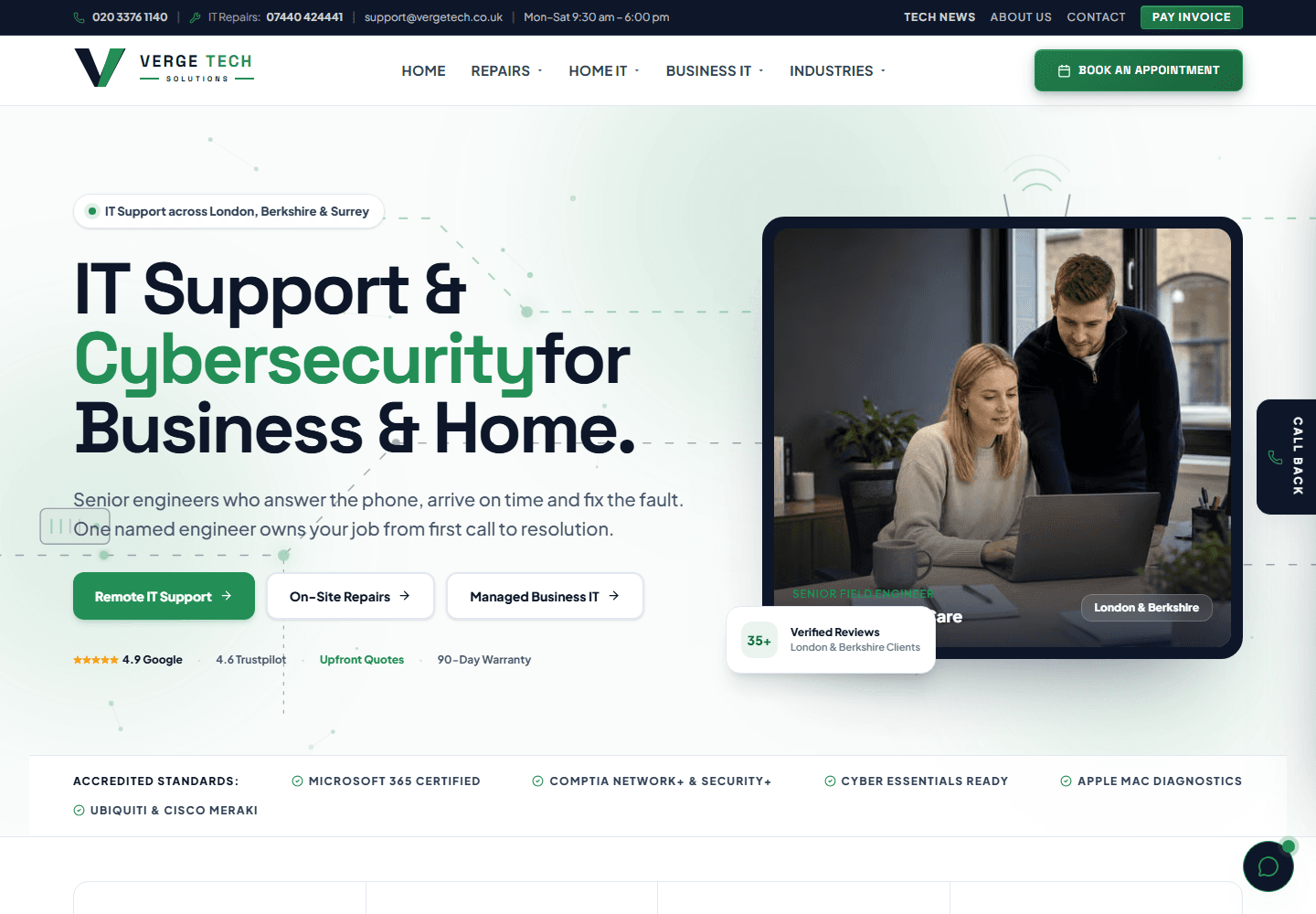
High-performance Next.js corporate website deployed to Cloudflare Pages edge network, featuring regional IT support silos across London, Berkshire, and Surrey.

Interactive portfolio and digital showcase for historical virtual reality simulations and educational heritage experiences.
Tell us what is not working, or what you would like to build. We will come back with honest advice and a fixed written quote.
Request a quote