
Cybersecurity & Managed IT
Wall of Cyber — Ethical IT & Cyber Defence
B2B cybersecurity web platform showcasing ethical IT management, vulnerability assessments, and threat mitigation services.
Clean an infected, hacked or blocklisted website
If Google is showing a warning on your website, visitors are being redirected to another site, or your host has suspended your account, your site has almost certainly been compromised. WebElev8 removes the malware, finds how the attackers got in, closes that gap, and gets the Google Safe Browsing and host blocklist warnings lifted. We work on WordPress, WooCommerce and custom sites, including ones we did not build.
Clear reasons to choose this work, based on what your business needs.
We scan every file, the database, and scheduled tasks for injected code, backdoors, spam pages, and unauthorised admin accounts, not just the obvious symptoms.
Malicious code is removed and modified core files are replaced with clean copies. We keep a record of every change so nothing legitimate is lost.
A clean site that stays open the same way gets reinfected within days. We identify the vulnerable plugin, weak password, or stolen key that let them in and fix it.
Once the site is verified clean we submit review requests to Google Safe Browsing, and to your host and any security vendor flagging the domain.
When the clean-up is complete we take a fresh backup so you have a known-good version to fall back on.
Every clean-up ends with basic hardening: file permission fixes, forced password resets, key rotation, and removal of unused plugins and themes.
The exact scope is agreed in your written quote before work starts.
We start with a rapid assessment: what the visitor sees, what Google reports, what the host has done, and whether the site should be taken offline while we work.
Injected scripts, malicious redirects, SEO spam, phishing pages, and cryptominers are removed from both the file system and the database.
Attackers leave hidden ways back in. We look for obfuscated PHP, fake plugins, altered .htaccess rules, and rogue cron jobs, and remove them all.
WordPress core, plugins, and themes are replaced with clean versions from official sources rather than trusting files an attacker had access to.
We remove unauthorised admin users, reset all passwords, rotate database and API credentials, and update security keys and salts.
The route in is patched: an outdated plugin is updated or replaced, a leaked password is changed, or an insecure upload form is locked down.
We request removal from Google Safe Browsing through Search Console, and follow up with your host and any antivirus vendor still flagging the site.
We recommend a short monitoring period after the clean-up to confirm the infection has not returned before you consider the job closed.
You see what is happening, what comes next and what needs your approval.
We confirm the compromise, review host and Search Console messages, decide whether to take the site offline temporarily, and agree the scope with you before work begins.
We remove all malicious code from files and the database, replace core and plugin files with clean copies, and strip out every backdoor we can find.
We identify how the attackers got in and fix it: patching, replacing, or removing the vulnerable component, and resetting every credential involved.
Once the site is verified clean we submit blocklist review requests and give you a written summary of what was found, what was done, and what to watch for.
B2B cybersecurity web platform showcasing ethical IT management, vulnerability assessments, and threat mitigation services.
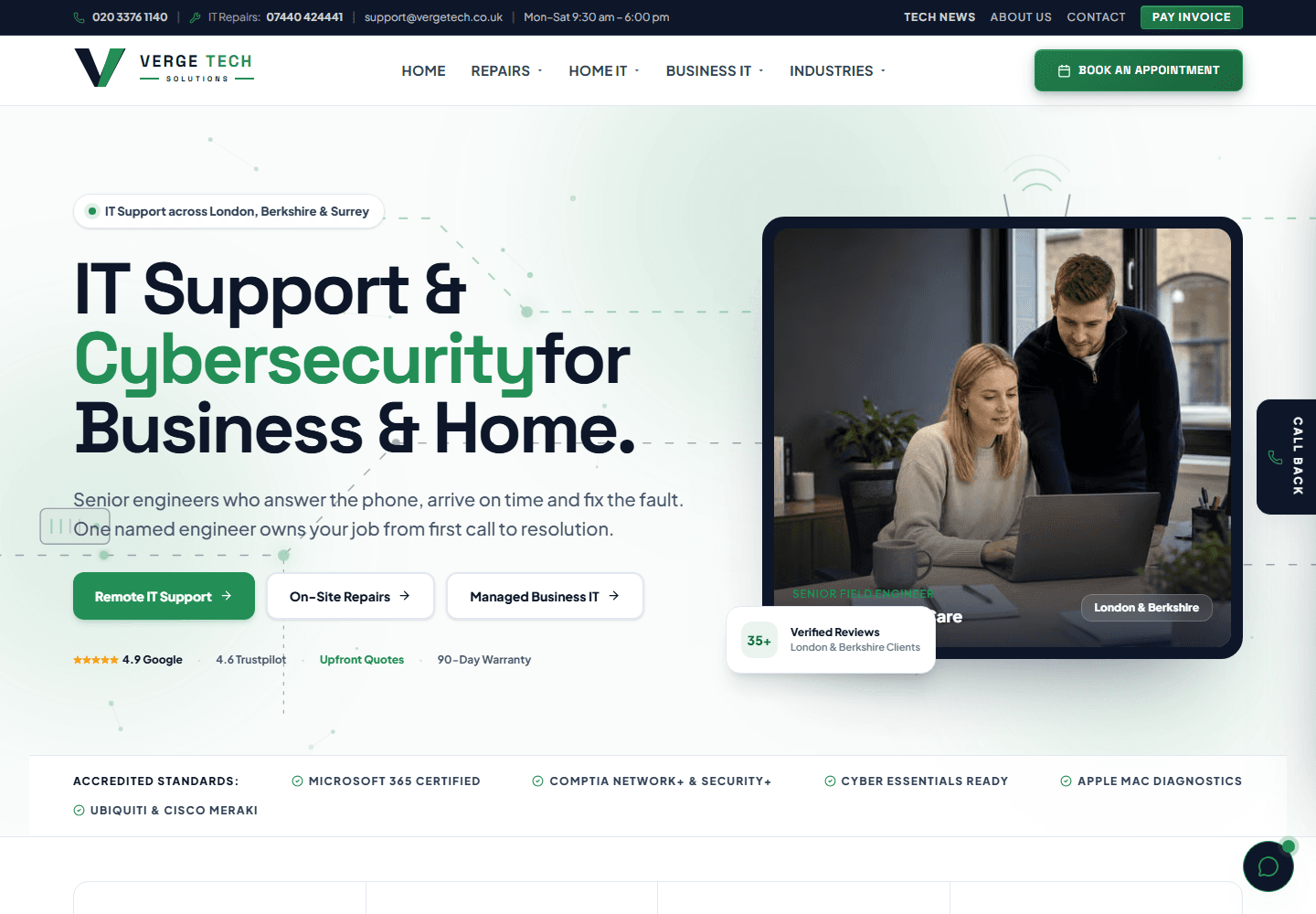
High-performance Next.js corporate website deployed to Cloudflare Pages edge network, featuring regional IT support silos across London, Berkshire, and Surrey.

Interactive portfolio and digital showcase for historical virtual reality simulations and educational heritage experiences.
Tell us what is not working, or what you would like to build. We will come back with honest advice and a fixed written quote.
Request a quote